Viber
Viber
 Telegram







Content
- Introduction
- What Are QES, AdES and EDS?
- Ways to Sign Documents Online with Vchasno: What Is the Difference?
- Additional Features in Vchasno.EDO
- How to Verify a Signature on a Document
- Security and Legal Validity of an Electronic Signature
- Comparison of Signing Methods in Vchasno
- Common User Errors and How to Avoid Them
- Conclusion
Signing a document online is easy. You do not need any special software or complicated setup. The main thing is to understand how to do it quickly while ensuring that the signed document remains legally valid.
In this article, we will explain how to sign documents online depending on your needs. Do you need to sign a file quickly without logging in to the service’s web account? Set up an ongoing document workflow with counterparties and involve responsible team members in the approval process? Or conveniently send a document to colleagues and partners for signing without requiring them to register with the service? Vchasno has a solution for every scenario.
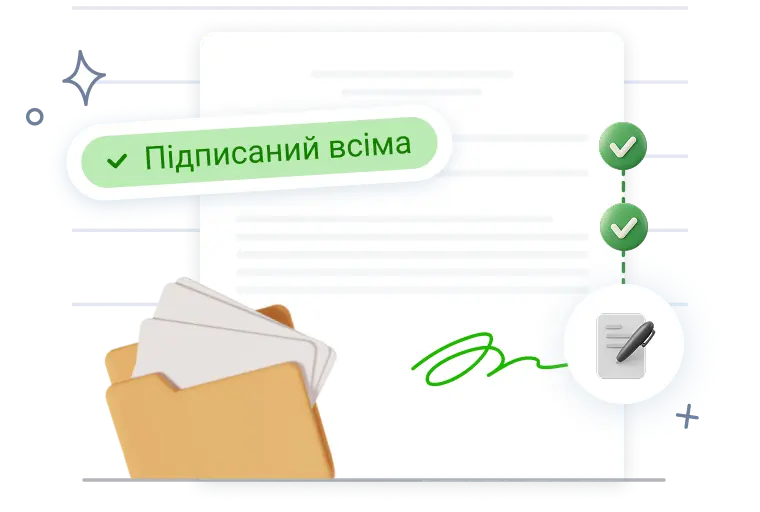
Sign a document now
Apply an electronic signature in just a few clicks. Online, free of charge, and without registration.
Sign online without registration
What Are QES, AdES and EDS?
Before exploring the different ways to sign documents, it is important to understand which types of electronic signatures exist.
EDS is a general term meaning “electronic digital signature,” but it is now considered outdated. Under Ukrainian law, the key type of signature is the qualified electronic signature (QES). A document signed with a QES has the same legal validity as a handwritten signature under the Law of Ukraine “On Electronic Trust Services” No. 2155-VIII. During martial law, the state also permits certain scenarios involving the use of an advanced electronic signature (AdES).
In general, the technology used to create the signatures and the signatures themselves are similar. However, an AdES can be stored on any medium from which it can be copied, such as a USB flash drive, laptop, phone, and so on. A QES, on the other hand, is stored on a specialised device, such as a protected hardware medium or within cloud infrastructure, and cannot be copied. This increases its reliability and reduces the risk of unauthorised use. Therefore, when signing electronic documents, we recommend that you use a QES.
You can obtain a QES from any qualified electronic trust service provider. The Vchasno.QES service issues keys to individuals, sole proprietors, and legal entities.
Ways to Sign Documents Online with Vchasno: What Is the Difference?
Let us look at the available signing options in Vchasno:
| Scenario | How to Sign | Where to Do It | What It Is Useful For |
| You need to sign your own file without registering | Upload the file and apply a QES | Vchasno.Signature — https://pidpys.vchasno.ua/ | One-off signatures needed immediately |
| You need to sign a document quickly, but the signer is not registered with Vchasno | Send a signing link | Vchasno.EDO account | One-off contractors, individuals, consents, or offers without registration |
| Ongoing document workflow requiring approval from different team members | Upload documents to Vchasno.EDO, add the responsible colleagues to the service, and send the documents to counterparties for signing | Vchasno.EDO account | When you handle a large number of documents and need to establish internal approval processes and fast signing |
Method 1. Sign a Document Without Registration at pidpys.vchasno.ua
If you need to sign a PDF, DOCX, XML, or ZIP file quickly as a one-off task, you can do so without logging in to the service.
💡 How does it work?
Open https://pidpys.vchasno.ua/, drag and drop the file into the window, select your electronic signature, and confirm the signing. The service supports QES certificates issued by qualified electronic trust service providers, including Vchasno.QES, Diia.Signature, PrivatBank, and others. You can use cloud-based keys, file-based QES keys, or protected media such as tokens.
The next steps depend on the signing scenario.
If the document needs to be signed by one party, for example, an application, declaration, order, or invoice, simply upload the file, apply the signature, and immediately download the completed document.
If the document needs to be signed by several parties, for example, a contract, completion certificate, or agreement, the service allows you to share a link with the other participants after signing. They can sign the document using the same link without having to upload the file again.
Once all parties have signed the document, the completed file can be downloaded. The entire process takes only a few minutes.
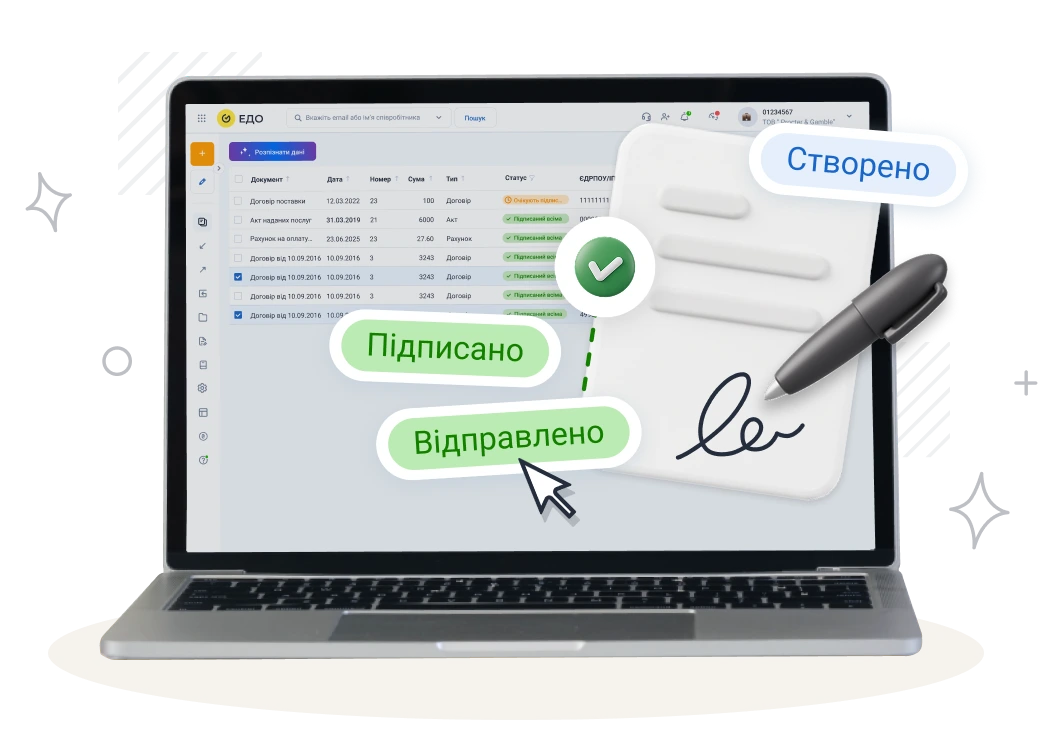
Sign documents with Vchasno.QES
You can quickly sign a document online without registration: simply upload the file and apply your Vchasno.QES.
Sign a document now
Method 2. Sign a Document in Your Vchasno.EDO Account
When document exchange is part of your regular workflow, it is important to see document statuses and have access to the action history, approval routes, and archive. With Vchasno.EDO, you can manage the entire cycle: receive, approve, sign, store, and find documents in seconds.
🖊️ How do you sign an incoming document?
Open the document in your Vchasno.EDO account, review its contents, and click “Sign.”
You can sign it using Vchasno.QES or any other valid electronic signature, including Monobank, PrivatBank, or Diia.Signature.
After signing, the system automatically assigns the “Signed” status and adds a timestamped entry to the event log.
How do you sign and send your own document to a counterparty?
Log in to your Vchasno.EDO account.
Upload the document in PDF, XML, DBF, TXT, PNG, JPEG, ZIP, DOC/DOCX, or XLS/XLSX format.
Specify the recipient.
Add the signers and, if necessary, define the signing order.
Select your signature from the list of available options and confirm the signing of the document.
Click “Send” so that the counterparty receives the document for review or signing.
Why it is convenient for businesses:
- complete audit trail covering signatures, rejections, and errors;
- document statuses and notifications;
- filters, labels, and quick search;
- documents are stored in an encrypted cloud archive on Amazon S3 servers, ensuring reliability and
- data availability.
Method 3. Sign a Document via a Link for Users Who Are Not Registered with Vchasno
Businesses often work with a contractor or an individual on a one-off basis and do not want to require them to register with a service. To obtain the required signature from a counterparty, create a link to the document in Vchasno.EDO. The signer can open it on a phone or computer, review the document, and sign it without logging in to an account.
You can configure:
- the access type: “sign” or “view only”;
- the link validity period: 1, 3, 7, 14, or 30 days, or unlimited;
- a single-use link;
- additional verification using an EDRPOU code or TIN;
- sending the link by email or copying it.
📲 What the signer sees
The signer sees a document preview page and a “Sign Document” button, and can select a signing method: QES, whether cloud-based or hardware-based, or Diia.Signature.
🔐 Control and security
The signing time and signature details are recorded, along with the EDRPOU code or TIN when required. Statuses such as “Expired” are also available.
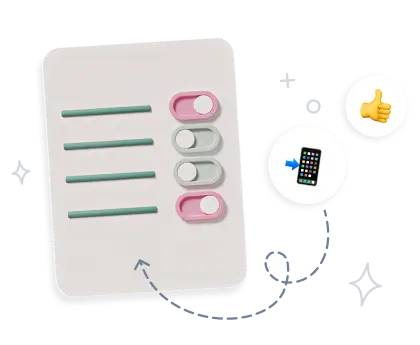
Sign documents online in just a few minutes
Upload a file, apply an electronic signature, and share a link so that other parties can sign it.
Set up signing via a link
Additional Features in Vchasno.EDO
 Bulk signing When you have dozens of completion certificates or invoices, select the necessary documents and click “Sign with Vchasno.QES.” The work will be completed within a few minutes. This minimises manual actions and errors.
 Multi-party documents
Send one document to several companies. Define the order and number of signatures required on your side. The document will have the “Signing in Progress” status until all parties have applied their signatures. Once the process is complete, it will receive the “Signed by All Parties” status.
 Approval scenarios
Approval routes can be configured according to your process: preparation, internal review, approval, and signing. This shortens the document processing cycle and makes it more predictable.
 Storage and search
An electronic archive without the dust. Use labels, filters, quick search, organised folders, and the action history. This makes it easier to undergo audits and submit documents for inspections.
We have now covered all the ways to sign documents with Vchasno. The next step is equally important: understanding how to make sure that a signature is valid and that your documents remain secure and legally binding.
How to Verify a Signature on a Document
A signed file contains information about the signer, the provider that issued the signature, the certificate, and the signing time. You can verify whether the signature is valid here.
If your document contains an embedded signature or a signature in the .p7s format, follow the instructions in our help centre.
Security and Legal Validity of an Electronic Signature
A qualified electronic signature (QES) has the same legal validity as a handwritten signature. This is established by the Law of Ukraine “On Electronic Documents and Electronic Document Management” and the Law of Ukraine “On Electronic Trust Services” No. 2155-VIII.
The signature confirms the signer’s identity, the signing time, and the integrity of the document. It cannot be forged or altered because all data is protected cryptographically and the key is stored exclusively by its owner.
The Vchasno.EDO service fully complies with legal requirements and protects data in accordance with international standards. All documents are stored in an encrypted cloud archive on Amazon S3, with 24/7 access and user action monitoring.
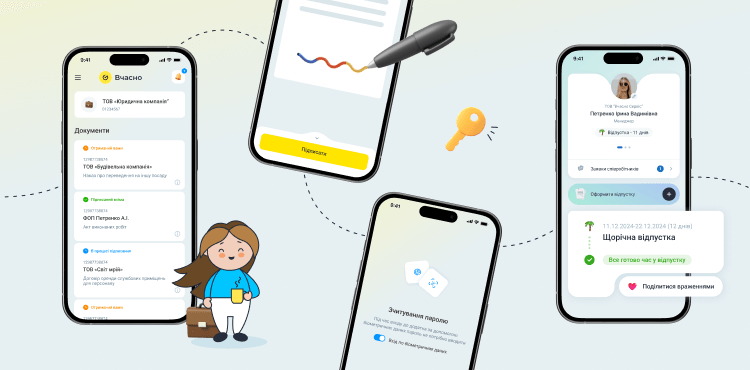
Documents can be signed from any device, including a smartphone. The Vchasno mobile application allows you to review, approve, and sign documents wherever you are.
Comparison of Signing Methods in Vchasno
| Criterion | Signing via a Link in EDO | Vchasno.Signature Without Registration | Vchasno.EDO |
| Who signs | External signers without an account | You or counterparties using a link | You, your team, and counterparties |
| Number of signatures | One signer | Several, including multi-party signing | Several, including multi-party signing |
| Approval routes | No | No | Yes |
| Bulk signing | No | Yes | Yes |
| Control and analytics | Statuses | You can see who signed the document and when. | Statuses, logs, access permissions, and archive |
| File formats | PDF, XML, DBF, TXT, PNG, JPEG, ZIP, DOC/DOCX, XLS/XLSX | PDF, DOC/DOCX, XLS/XLSX, PNG, JPEG, TXT, TIFF, BMP, GIF, ODT, ODS, RTF. | PDF, XML, DBF, TXT, PNG, JPEG, ZIP, DOC/DOCX, XLS/XLSX |
| When to choose it | For one-off signers | To sign a document online quickly | For a complete EDO process, control, and archiving |
Common User Errors and How to Avoid Them
| Error | Cause | How to Fix It |
| Validation failed. The maximum number of employees allowed under the current plan has been reached. | The maximum number of email addresses permitted under the plan has already been added to the company account. | Check which addresses have already been added and sign in using one of them. If the email addresses are outdated, contact the Vchasno Customer Care team to update them. |
| This document has already been signed with this QES. | The user is attempting to add the same signature again. | Use a different signature or open the document and check the side panel to see when your company’s signature was added. |
| Incorrect key. Select a key containing an EDRPOU code or TIN. | An attempt is being made to sign the document using an individual’s key instead of a legal entity’s key, or vice versa. | Open the “General Information” section in your Vchasno.EDO account and check which EDRPOU code or TIN the document was sent to. |
| Signing error. A document cannot be signed using a seal only. | The document does not yet contain the company’s signature, but the user is attempting to add a seal. | Add the company’s signature first and then add the seal. |
| The user does not know which key type to select when signing | The user does not know what type of key they have, and the button labels are unclear. | “QES/EDS” means a file-based key. “Hardware” means a token. “Cloud/Hardware” means signing with a file, token, or cloud-based key. |
| How to add a seal when the signature and seal are stored on different media | The user does not understand how to add a seal stored on another medium. | Complete the process in two stages: 1) read the signature using “QES/EDS” without adding the seal at this stage; 2) click “Add Signature” and select “Hardware” or “Cloud/Hardware” to add the seal. |
Conclusion
Electronic signatures and online document workflows have become standard tools for businesses, professionals, and companies of all sizes.
If you need to sign one or several documents online quickly, Vchasno.Signature is the right choice. If you need your own qualified electronic signature for working with documents, filing reports, or using government services, consider Vchasno.QES.
For companies that want to move their entire workflow involving contracts, completion certificates, invoices, and approvals into a digital environment, Vchasno.EDO is the most suitable solution.
Depending on your needs, you can choose an individual service or build a unified digital document workflow within the Vchasno ecosystem.